Split-screen on PC
One Piece: Pirate Warriors 4
Up to 4 players on one PC, with controllers.
Handler “One Piece: PW4” by Talos91, version 2
What works
With Nucleus Co-op, up to 4 players can play One Piece: Pirate Warriors 4 together on one PC, each in their own part of the screen, with controllers. The free community handler “One Piece: PW4” by Talos91 does the setup and was checked by hub moderators: version 2, updated . One Piece: Pirate Warriors 4 is a hack and slash and adventure game from 2020.
- Players4
- ControllersSupported
- Keyboard and mouseNot supported
- Several keyboards and miceNot supported
- Hub moderatorsVerified
How to play One Piece: Pirate Warriors 4 split screen on PC
Get Nucleus Co-op
Download Nucleus Co-op, free for Windows 10 and 11, and unzip it into its own folder, for example C:\NucleusCo-op. There is no installer.
Keep it out of Program Files, your user folder and OneDrive.
Install the One Piece: Pirate Warriors 4 handler
In Nucleus Co-op, search the Hub for One Piece: Pirate Warriors 4 and install its handler, or download the handler file from this page and drop it on the Nucleus window. Then show Nucleus where One Piece: Pirate Warriors 4 is installed.
Take a seat
Each player presses a button on their own controller to join and takes a spot on the screen. Pick a layout that fits your players.
Launch and connect
Press Launch: Nucleus opens one copy of One Piece: Pirate Warriors 4 per player and lays the windows out on your screen. Then link them in game, usually one player hosts a LAN or online session and the others join it. The handler notes say how.
What you need
- A Windows 10 or 11 PC
Nucleus Co-op runs on Windows only. System requirements
- One Piece: Pirate Warriors 4 for Windows
Installed on that PC. Nucleus starts every player's window from that one install.
- Nucleus Co-op, free
With .NET Framework 4.7.2 or later and the Visual C++ 2015–2022 runtimes (x86 and x64). Download
- Something to play with
One controller per player: Xbox, PlayStation or generic pads. Controllers
- A PC that can run 4 copies
Each player runs their own copy of One Piece: Pirate Warriors 4, so the PC carries several times the usual load. Lower the graphics settings if it struggles. Performance tips
- A multiplayer mode
Nucleus links the windows through the game's own LAN or online mode; the handler takes care of it.
Handler notes
-
Tested and working with the latest Steam version as of May 2024.
-
CLOSE Steam completely before running this. The game already has native split-screen co-op for 2 players max but with this handler you can play up to 4 in missions that allow 4 players.
-
To connect the instances select system-login in the main menu to enable the online play, then choose a mission, press Y and select recruit in one instance, once you are in the lobby after selecting a character the other instances can join by pressing Y too and selecting join.
-
You can access each instance save in the app, after the first launch click game options/open user profile save path in the UI. You can even copy your main save to all instances there. Make sure all instances are in windowed and reduce in-game graphic settings to improve performance.
-
Read the FAQ if you have any further questions and want to know more about Nucleus Co-op.
-
Handler by Talos91. Please support the Nucleus Co-op team if you like my Nucleus handler work.
About One Piece: Pirate Warriors 4
The Pirate Warriors are back and bring with them a more explosive story, more environments and even crazier attacks in ONE PIECE: PIRATE WARRIORS 4. Follow Luffy and the Straw Hats from the beginning as they make their journey through different islands and onwards in the hopes of finding the illustrious treasure - the One Piece. Play through some of the most extraordinary islands and environments in the ONE PIECE story and take on memorable foes.
Summary from IGDB
One Piece: Pirate Warriors 4 screenshots
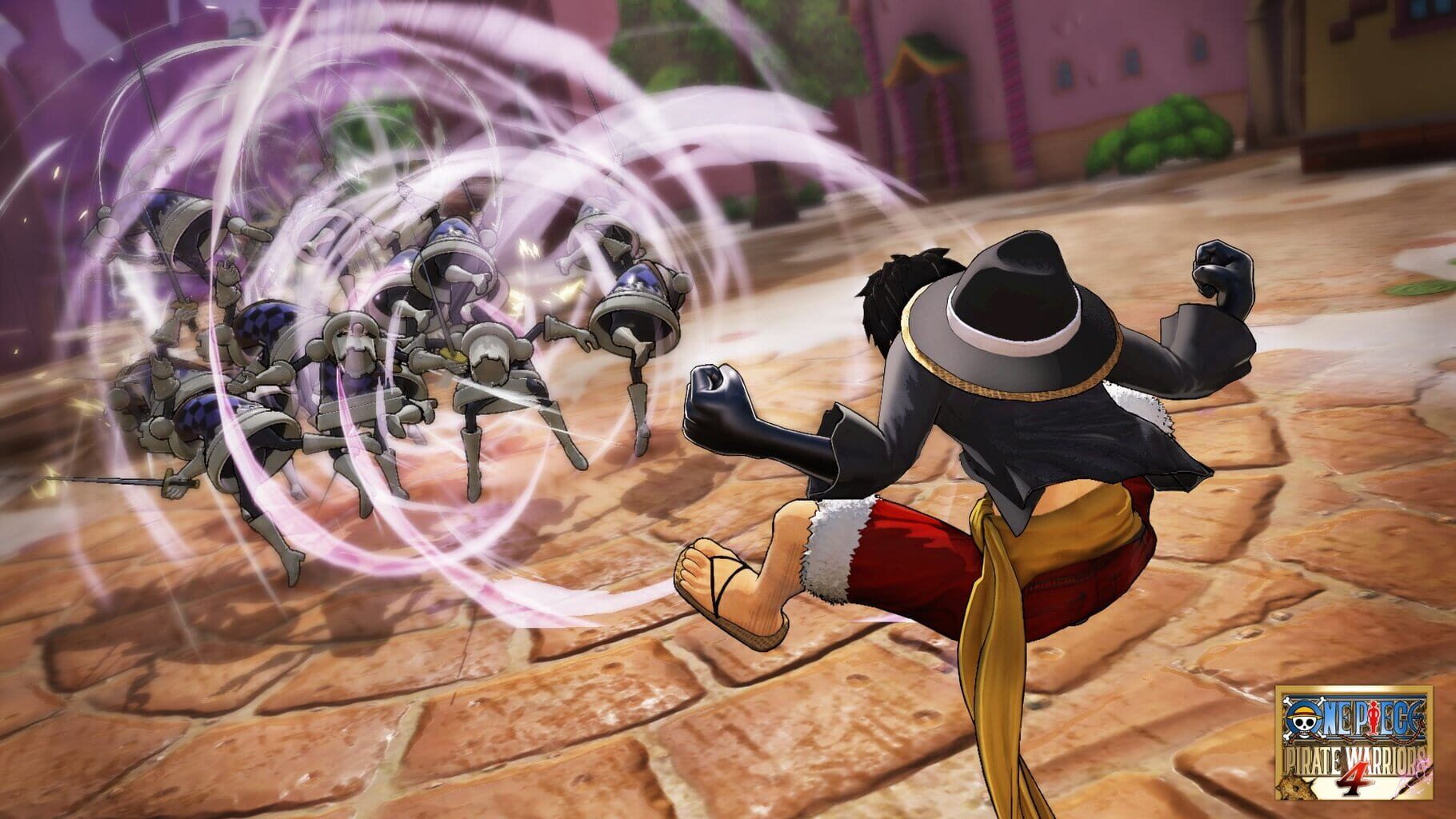
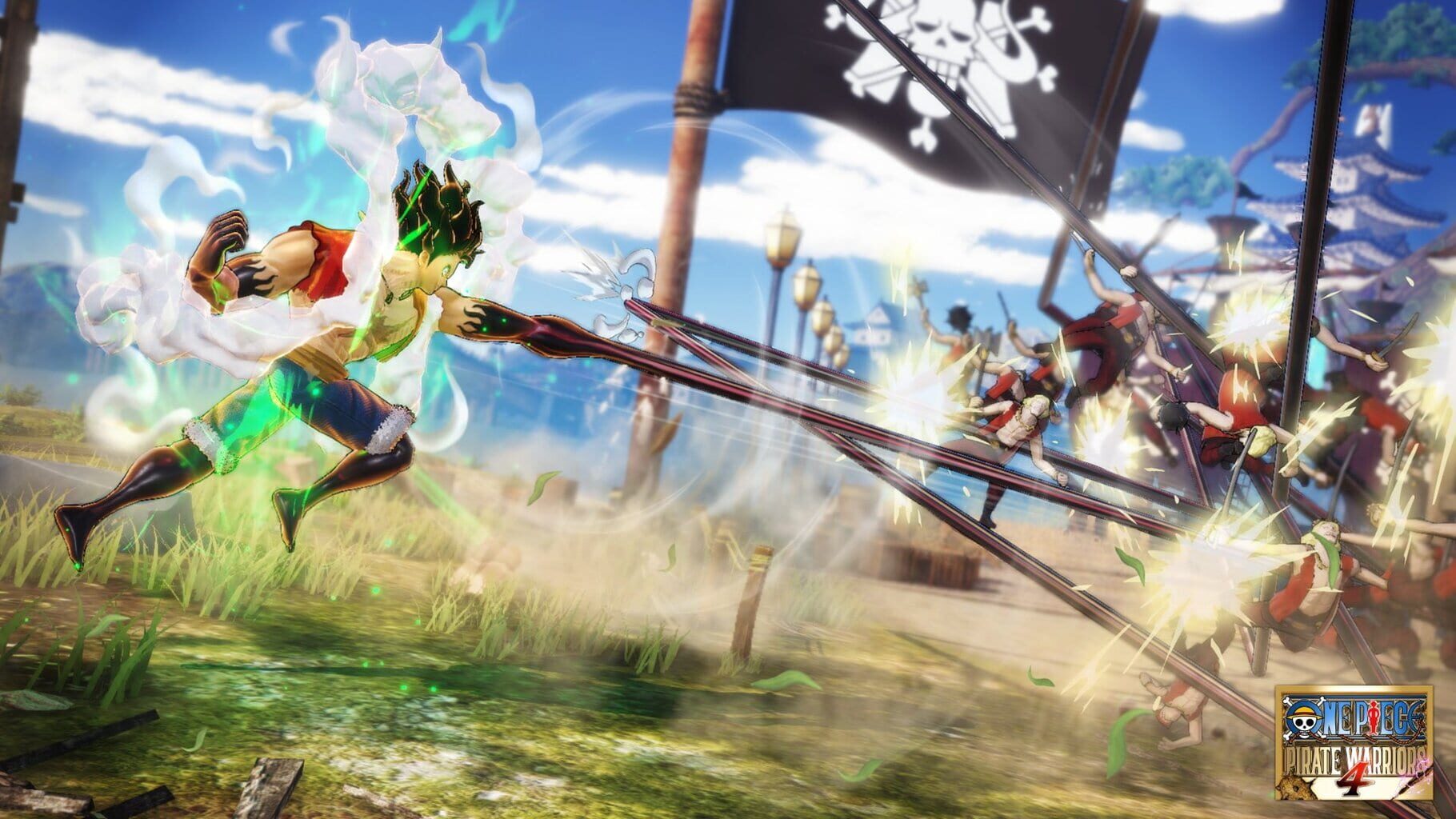

Version history
- v2Current
fixed focus issues and added UI option.
- v1
First Release.
Comments 3
although i had the latest version, once i reinstalled nucleus it worked perfectly. Thanks for the help
Player one controls both screens and player two cant do anything regardless of controller
Just tested with latest Steam version and 2 xbox series gamepads and the controllers restrict fine, make sure you disable Steam Input or try this if you are not using native xinput gamepads: https://www.splitscreen.me/docs/faq/#20--my-playstationgeneric-pc-controller-isnt-being-detectedhas-double-input-how-do-i-fix-this
Play these next
Browse all games
Monster Hunter Rise
Talos915.8k downloads4
Grim Dawn
Talos9116k downloads4
Dead Rising 2
Talos917.8k downloads4
Devil May Cry 5
Talos9114k downloads4
Marvel's Avengers
Rogueboy_x1.9k downloads4
Dead Rising 4
ZeroFox3k downloads4
Browse by genre: Hack and slash · Adventure
Log in or create an account to comment.